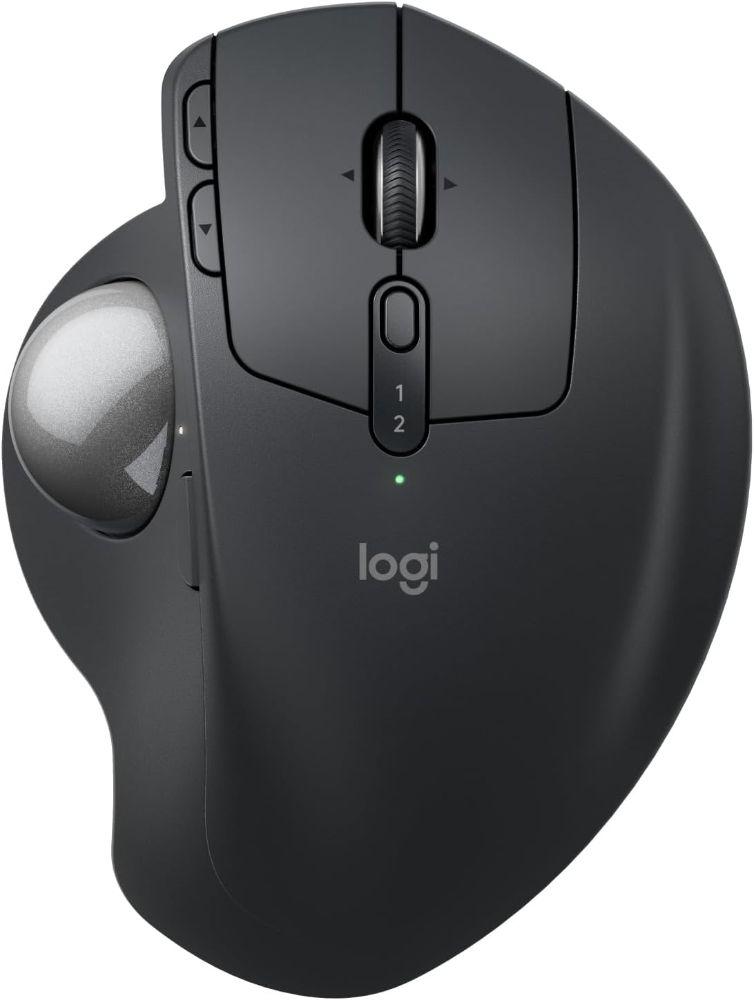
Logitech Logitech MX Ergo S Wireless Trackball Mouse
Graphite - Like New
$177.49
$177.49
Home/
Logitech Logitech MX Ergo S Wireless Trackball MouseLogitech Logitech MX Ergo S Wireless Trackball Mouse
Graphite - Like New



FREE Delivery by Oct 14 - 16
Logitech Logitech MX Ergo S Wireless Trackball Mouse
Graphite - Like New
$177.49
FREE Delivery by Oct 14 - 16
Condition
Body: No visible signs of wear
Performance: Experty tested and guaranteed to work
Shipping
Professionally refurbished and shipped by
Trade-in

Trade in your old tech today
and save big on your new purchase!
Product Description
OVERVIEW:
Experience peak comfort and performance with MX Ergo S advanced wireless trackball, certified by ergonomists, with a 20-degree tilt angle for less muscle strain in your forearm. Now with quiet clicks and quick USB-C charging.
FEATURES:
[ Elevated comfort and precision ] - MX Ergo S, Logitech’s most advanced wireless ergonomic trackball yet, with a 20-degree tilt angle and 6 customizable buttons - now with quiet clicks and quick USB-C charging (cable not included).
[ Maximize control....
 English


© Reebelo United States | EIN: 88-3215530
Free Shipping to United States30-Day Returns in United States
100% Secure Payments


